Next-Gen Systems & Economy Simulation

Design, balance, & simulate
your Game economy
in real-time.

The ultimate visual node-based engine to model complex systems, GameFi tokenomics, business logistics, and balancing logic directly in your browser.
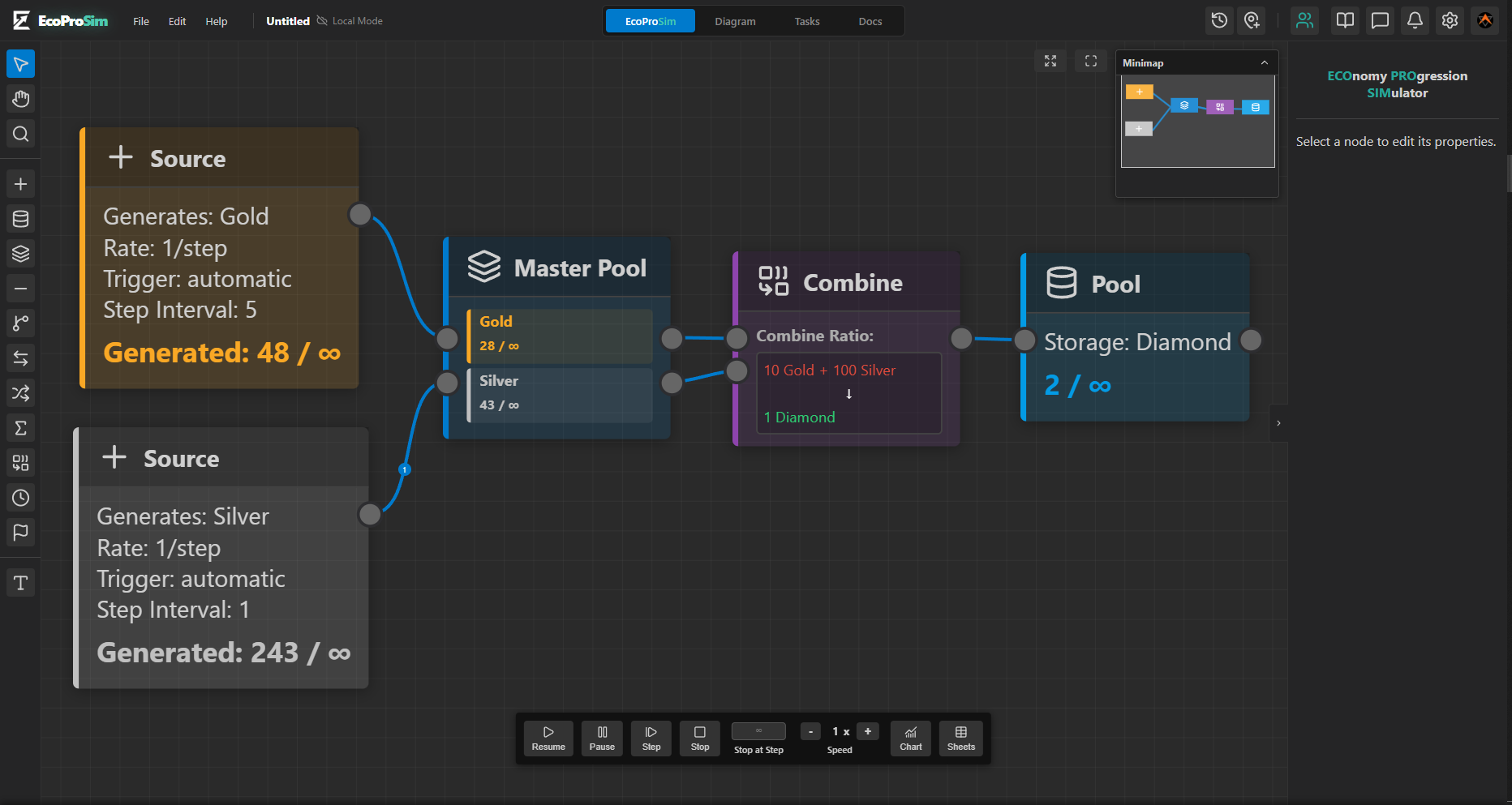
EcoProSim Dashboard

See EcoProSim in Action

Watch how easy it is to map, balance, and simulate a complex economy.

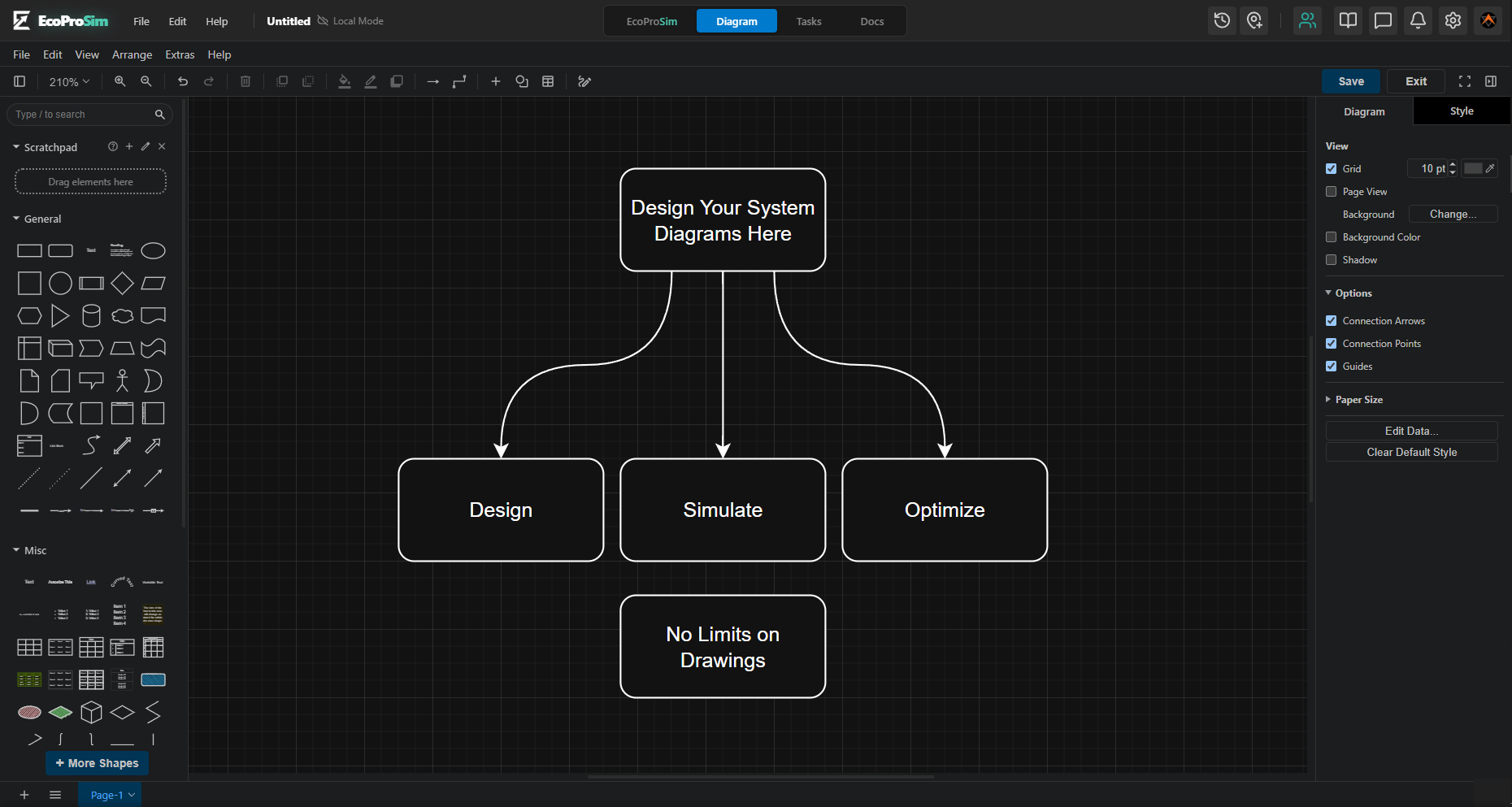
Built for every complex system designs

Whether you're balancing a hit MMO, designing Web3 tokenomics, or optimizing supply chains.

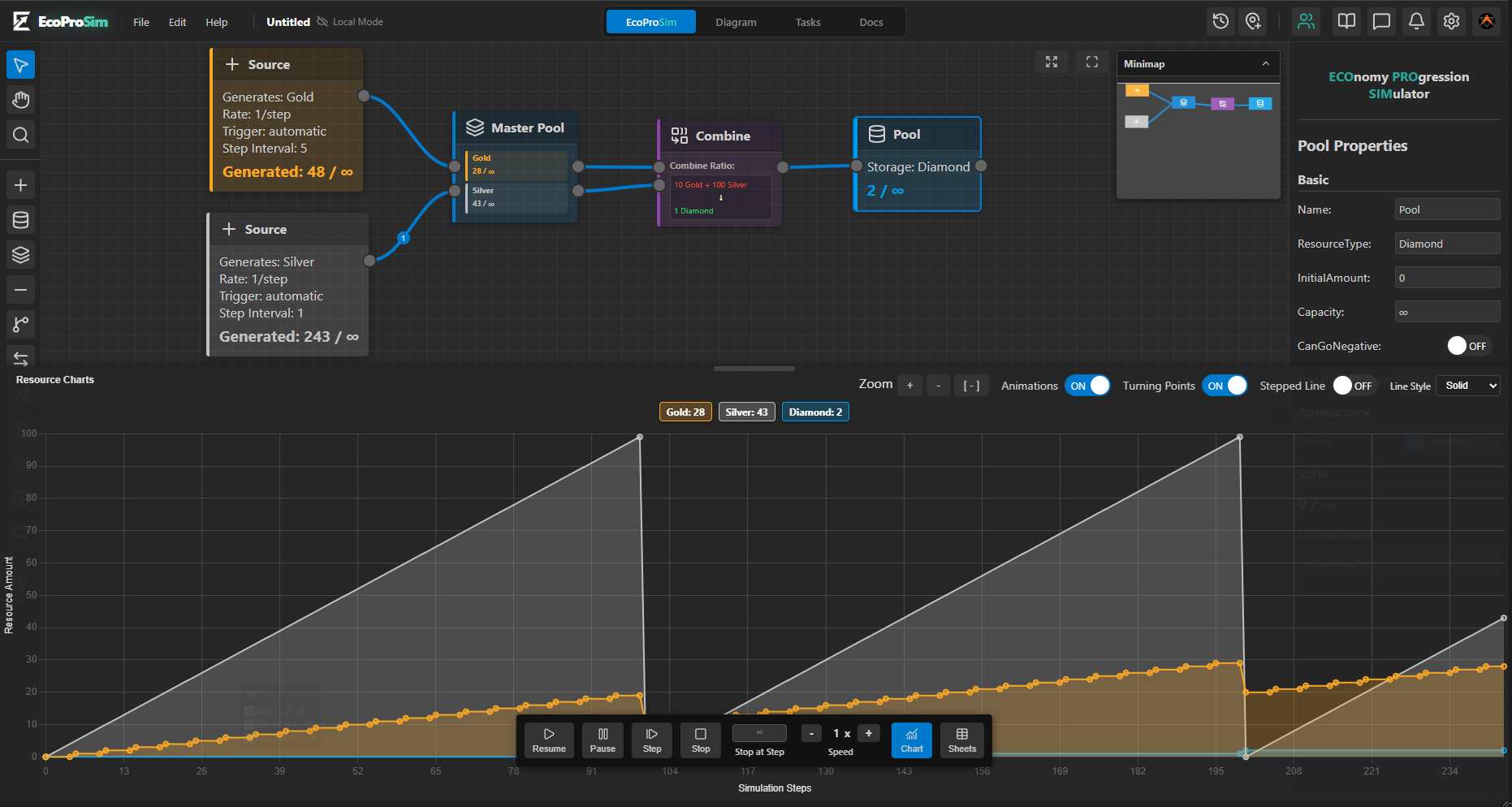
Visual Node Graph

Drag and drop nodes to create complex loops. Sources, Pools, Converters, and Gates make balancing intuitive across any industry.

Real-time Simulation

Run your models at 1x to 20x speed. Watch resources and capital flow visually to identify bottlenecks instantly.

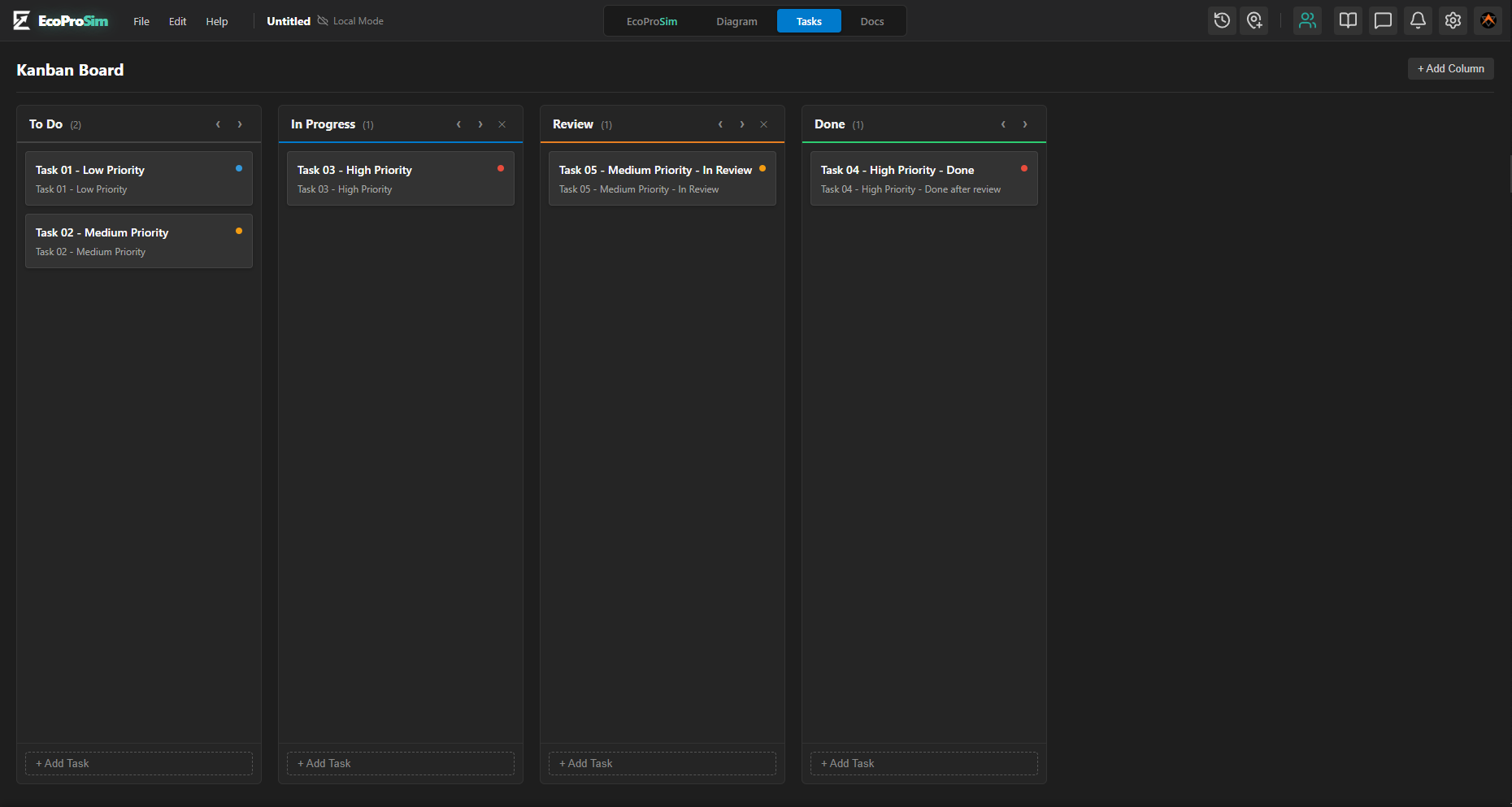
Integrated Kanban

Manage your design tasks right where your economy lives. A built-in Kanban board keeps your entire team organized.

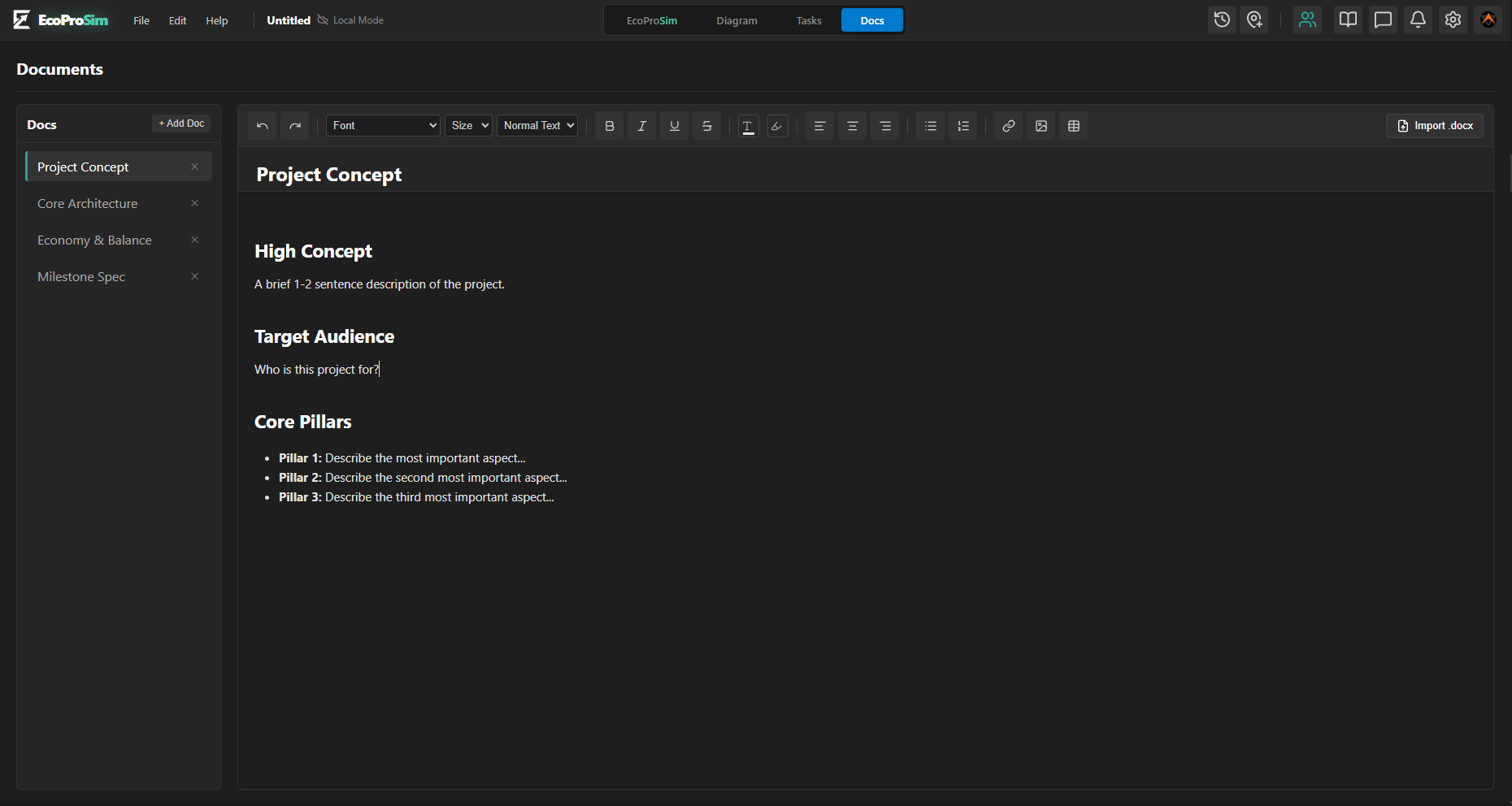
Live Documentation

Write your Design Documents alongside your simulation. Keep tokenomics and mechanics perfectly synced with your models.

Cloud Version History

Never lose your work. Auto-saves and manual checkpoints allow you to safely experiment, preview, and restore historical states.

Export & Analyze

Export your node graphs to crisp 4K images or download your simulated data to CSV/Excel for deep mathematical analysis.

Who uses EcoProSim?

Game Developers

Balance F2P economies, drop rates, and progression systems.

Web3 & Crypto

Stress-test tokenomics, staking mechanisms, and burn rates before launch.

Business Analysts

Model supply chains, financial forecasts, and logistical bottlenecks.

Educators

Teach complex macroeconomics and system design interactively.

Three Steps to Perfect Balance

From concept to robust mathematical simulation in minutes.

1

Map the Nodes

Drag Sources, Pools, Converters, and Gates onto the canvas. Connect them via directional wires to define exactly how resources flow through your system.

2

Set Parameters

Assign production rates to Sources, capacities to Pools, and logic to Gates. Control exactly when and how values move across the network.

3

Simulate & Refine

Hit play. Watch numbers flow visually across your wires. Pause, tweak parameters, and re-run instantly until your economy is perfectly balanced.

Frequently Asked Questions

What's the Purpose of EcoProSim?

Instead of staring at massive, confusing spreadsheets to balance an economy, EcoProSim lets you visually connect "nodes" together—like drawing a flowchart. For example, if you want to see what happens when a player earns Gold from a Mine and spends it in a Shop, you just connect those two nodes, hit Play, and watch the numbers simulate instantly. It saves hours of manual math and prevents critical design flaws before you write a single line of code.

How does EcoProSim help Game Developers?

Game developers use it to balance free-to-play mechanics, player progression curves, and drop rates. You can simulate millions of player actions in seconds to ensure your late-game economy doesn't suffer from hyper-inflation, keeping players engaged for longer.

Can I use it for Crypto / Web3 Tokenomics?

Absolutely. EcoProSim is agnostic to the type of "resource." You can define tokens, staking pools, inflation rates, and complex burn mechanisms using our Converters and Gates just as easily as you can define "Gold" and "Wood."

Is this useful for Business Logistics & Supply Chains?

Yes! Business analysts use EcoProSim to model supply and demand, warehouse inventory capacities, and production bottlenecks. If your factory produces 500 units a day, but your shipping route can only handle 400, our visual simulator will immediately highlight the bottleneck in your system.

How does the Cloud Version History work?

We automatically snapshot your project every 30 minutes in the background. You can also manually trigger a snapshot at any time. If you mess up, you can open the History drawer, preview an old snapshot in read-only mode, and safely restore it with one click.

Can I export my data?

Yes. You can export the raw visual node-graph as an offline `.ecopro` file, save the canvas as a high-resolution PNG image, or export simulation results directly into CSV format for further spreadsheet analysis.

Ready to balance your world?

Join designers and economists optimizing their complex systems.

Start Simulating for Free